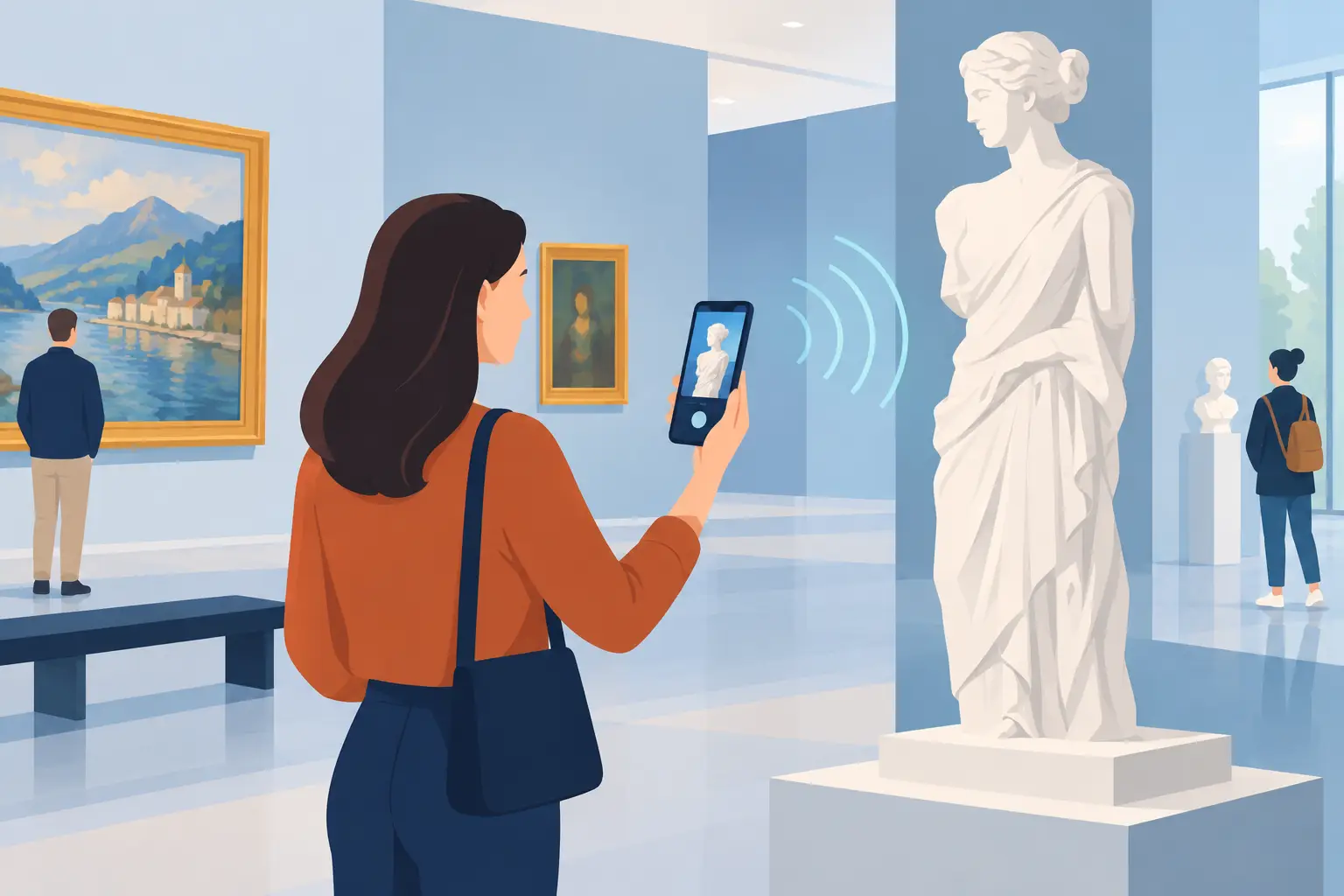
A visitor arrives in front of the gate of a castle, the door of a museum or a city center desk. He scans a QR code, chooses his language and starts listening. Contactless visits are not just about eliminating the exchange of equipment: they make mediation available at the precise moment when curiosity arises, while making the daily life of the teams easier.
For cultural and tourist structures, this model responds to very concrete challenges: welcoming varied audiences, limiting handling, controlling operating costs and offering a digital experience that does not distract from the actual visit. Well designed, a smartphone visit does not replace human contact. It gives visitors more autonomy and leaves mediators more time for the discussions that matter.
What do contactless visits cover?
Contactless visits refer to routes accessible from the visitor's personal device, without lending an audio guide or systematic distribution of physical support. Access can be done by QR code, by geolocation, by a link displayed at reception or by an application downloaded before the visit.
In a museum, the QR code placed near a work can open an audio track, an archive image or a translation. On an outdoor heritage trail, GPS can trigger content when the person approaches a point of interest. In both cases, the telephone becomes a mediation tool, and not a screen to be constantly consulted.
This approach does not assume that all visitors are equipped in the same way or that they master digital uses. It must therefore be thought of as an additional entry point, with understandable signage, immediate access and alternatives for people who need them.
Why adopt contactless visits?
The first benefit is operational. Without audio guide park to purchase, refill, clean, distribute, recover and replace, teams reduce an often underestimated logistical burden. This simplification is particularly useful for seasonal sites, tourist offices, monuments open with reduced staff numbers or places welcoming large groups at certain times of the year.
The second benefit concerns the quality of the welcome. A route available on the visitor's smartphone can be consulted at their own pace, interrupted and then resumed without constraint. Content can also be offered in several languages, with various formats: audio comments, easy-to-read texts, detailed images, subtitled videos, quizzes or content intended for families.
Finally, digital without dedicated equipment facilitates the evolution of courses. An incorrect date, a new loan of work, a temporarily closed room or a change of circuit can be updated without having to re-register an entire fleet of devices. For a cultural establishment, this ability to adapt protects both editorial quality and the budget.
However, we must avoid a shortcut: without contact does not mean without support. Autonomous access works when visitors understand in seconds what they need to do and what they will get. A poorly readable poster or an isolated QR code without explanation is enough to slow down use.
Design a contactless experience that serves the visit
Start with the journey, not the tool
An effective visit starts from the questions that the public asks: what should we look at here? Why is this place important? What detail tells a larger story? The content must extend the observation, not compete with objects, landscapes or architecture.
It is often preferable to offer short sequences, between one and three minutes, rather than a very dense commentary at each stage. The visitor thus retains the choice of going deeper or continuing on his way. A course of ten well-edited stages generally provides more value than a succession of exhaustive instructions.
The consistency of the course also matters. It is advisable to plan a beginning which locates the place, clear landmarks between the stages and an end which opens onto the rest of the discovery: another room, a viewpoint, a neighboring village or a temporary exhibition.
Make access immediate
The QR code remains a simple and accessible solution, provided it is placed in the right place. It must be visible before the visitor wonders where to find the information, accompanied by a direct instruction and an explicit benefit, for example: “Listen to the history of this room in French, English and German”.
On outdoor routes, GPS provides real comfort, especially when it is difficult to install signage at each point. But it depends on the accuracy of the location, the battery life of the phone and the network coverage. In rural areas, historic centers with narrow streets or natural sites, offline access can make all the difference.
The best device often combines several access modes: QR code to get started quickly, map to find your way around and GPS triggering when the context is suitable. This redundancy is not superfluous: it secures the experience in the face of hazards in the field.
Plan for accessibility when writing
Accessibility is not just about adding an option at the end of the project. It starts with structured content, clear language and appropriate editorial choices. A full transcription of audios helps people who are deaf or hard of hearing, but also visitors who do not wish to use headphones. Subtitles, readable contrasts, simple navigation and image descriptions reinforce the inclusion of all audiences.
Versions in easy-to-read language, comments suitable for children or enriched content for restricted audiences can be rolled out gradually. The main thing is to provide a solution capable of evolving with the needs of the place and feedback from visitors.
Guideius addresses every digital cultural mediation challenge
Create a multilingual smartphone audio guide that is easy to deploy, accessible and tailored to your museum, heritage site or destination.
Anticipate realities on the ground
A contactless visit project must be tested in real visit conditions, and not just from a computer. You must check the reading of QR codes outdoors, at different times of the day, observe the quality of the network in large rooms or isolated areas, and check that the route remains intuitive on a small screen.
The question of equipment also deserves a pragmatic answer. Not all visitors have a smartphone, a data plan or headphones. Depending on the location and the audiences welcomed, it may be relevant to keep a few loan devices, offer headsets for sale or maintain synthetic printed support. The objective is not to impose digital use, but to expand the possibilities of mediation.
The reception teams have a decisive role. A short instruction, integrated into the arrival speech, greatly increases adoption: indicate where to scan, remind people to bring headphones and specify that the route works offline if this option is available. This human mediation remains the best complement to digital autonomy.
Measure usage to improve the journey
Unlike a fixed sign, a digital tour allows you to understand how the public actually uses the route. Number of starts, languages chosen, most viewed stages, listening time or completion rate provide useful information for adjusting content.
This data must be used responsibly and with respect for privacy. For a public or parapublic structure, data control is not a technical detail: it determines visitor confidence and consistency with public service values. Anonymized statistics are generally sufficient to manage a journey without transforming the visit into a monitoring tool.
A rarely accessed step should not be automatically deleted. Perhaps it is poorly signposted, placed too far from the natural path or presented with an uninviting title. The data benefits from being cross-referenced with agent observations and direct feedback from visitors.
Choose a solution adapted to your structure
The choice of a solution is not only based on the richness of the functionalities. A small team needs clear administration, support for structuring content and pricing compatible with its resources. The ability to create multilingual courses, operate offline, integrate media and monitor usage must be accompanied by realistic handling.
It is also useful to check maintenance conditions, content ownership, customization possibilities and compatibility with accessibility requirements. A white label solution will be relevant for a community or a network wishing to assert its identity, while a lighter device may be suitable for a site launching its first digital journey.
Guideius was designed with this in mind: to allow cultural venues to deploy complete digital audio guides without depending on a fleet of equipment or significant internal technical expertise. The right tool remains the one that fits into the team's practices and respects the specific rhythm of the place.
Before starting your journey, do a simple test: ask a person who does not know the site to begin the visit without help. If she understands where to access the content, can listen to it easily, and keeps her eyes on the heritage, you are on the right track.
Would you like to apply these ideas to your site?
Guideius helps deploy multilingual audio tours with QR codes, GPS, offline mode, multimedia content and privacy-friendly analytics.