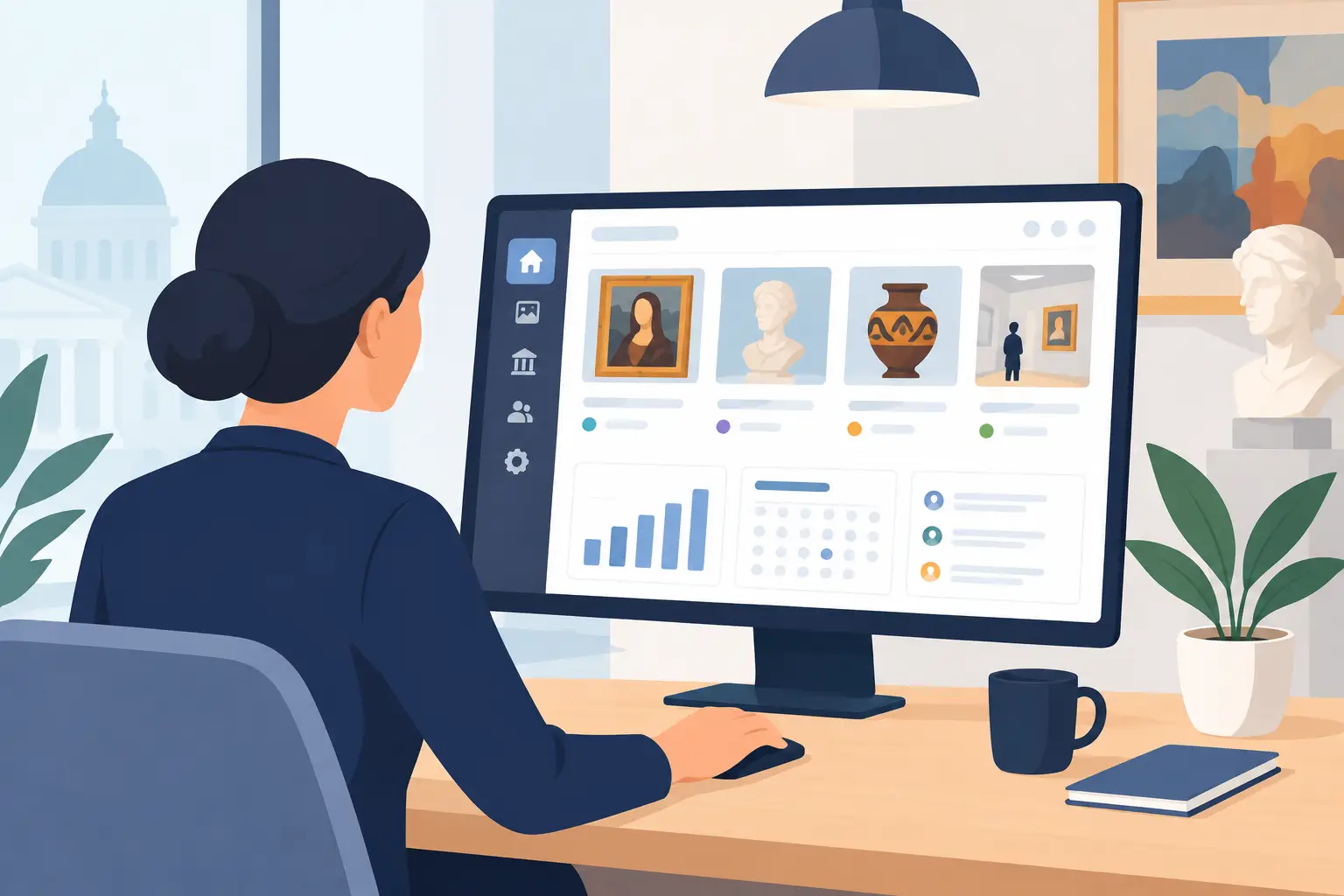
At 8:45 am, just before opening, an exhibit label needs correcting, an audio track replacing and an English version updating. This is when the quality of a cultural tour management interface really matters. A digital interpretation solution should not be judged solely on the visitor experience: its value also depends on what teams can actually manage with the time and skills available to them.
For a museum, heritage site or tourist office, the management interface is where the work behind a tour happens. A clear interface helps teams work independently and keep content up to date. A complex one turns each change into a technical request, a delay or an idea that gets dropped. What matters is not the number of buttons on screen, but how well the tool supports everyday cultural work.
Evaluating a cultural tour management interface: what to look for
A useful assessment is not about finding the most impressive-looking interface. It means checking whether the tool fits the realities of a venue: small teams, seasonal activity, different audiences, translation needs, frequent information updates and budget constraints.
The first question is straightforward: can someone working in visitor services, interpretation or communications learn to use the tool without extensive technical training? This does not mean oversimplifying everything. Managing a cultural tour involves editorial decisions, media, content triggers and languages. But these functions should follow a recognisable workflow: create a point of interest, add audio, attach an image, translate a text, then publish.
A good management interface guides users without getting in their way. It makes the steps required before publication clear, flags incomplete content and helps prevent irreversible mistakes. Technical menus, ambiguous fields and hard-to-find approval controls, by contrast, add to the workload of cultural teams.
A structure that reflects the visitor route
The management interface should reflect how a tour is designed on site. Teams rarely think in abstract “digital objects”. They work with galleries, artworks, monuments, neighbourhoods, stops and viewpoints. A useful interface makes that structure easy to find and shows where each piece of content fits into the visitor's route.
This is particularly important when a venue manages several tours: a family tour, a foreign-language version, a town walk or a temporary offer. Clearly distinguishing these experiences, duplicating a content framework when appropriate and adapting some material without changing the rest helps prevent errors.
Flexibility still needs boundaries. Too many customisation options can lead to inconsistent tours that are difficult to maintain. For small and medium-sized organisations, simple templates and a stable editorial framework are often more useful than a fully configurable interface.
Publish and correct content without relying on a provider
Working independently is a practical matter of service continuity. An exhibition is extended, opening times change, an entrance becomes unavailable or a comment from the interpretation team calls for a clarification. Staff need to act quickly without raising a support ticket for every correction.
A good cultural tour management interface lets teams prepare a change, check it and publish it at the right time. Scheduled publication is useful for temporary exhibitions and events. Clearly distinguishing drafts from published content also prevents unfinished audio from reaching visitors.
This independence does not mean doing without support. When launching a tour, an outside perspective on its structure, media or accessibility can be valuable. After that, the team should retain control over everyday changes. This balance reduces operating costs without leaving project leaders to manage alone.
Keep language versions up to date
Multilingual content involves more than duplicating a text. Each language needs adapted writing, recorded audio, sometimes different images and careful progress tracking. The interface should make it immediately clear what has been translated, what still needs producing and what has changed in the source language.
A useful approach is to link the language versions of each point of interest while keeping them editorially independent. A shorter translation may be needed to fit the listening time. A cultural reference may need extra explanation for international visitors. The tool should support these adjustments rather than impose an artificial match between languages.
For tourist destinations, this overview is also essential during seasonal updates. Information corrected in French but left unchanged in Dutch, English or German can undermine visitors' trust. The management interface should help teams spot discrepancies before they cause problems during a visit.
Guideius addresses every digital cultural mediation challenge
Create a multilingual smartphone audio guide that is easy to deploy, accessible and tailored to your museum, heritage site or destination.
Statistics that support interpretation, not just reporting
Usage data is valuable when it helps teams make practical decisions. Which points of interest are listened to most? When do visitors leave a tour? Which language is used most often? How much content is accessed offline? A useful interface makes these indicators available without requiring specialist analytical skills.
The risk is to offer extensive dashboards that are difficult to act on. Session numbers alone do not show whether a tour meets its interpretation goals. Teams need to relate the data to visitor numbers, the season, an event or a content change. A fall in listening may point to unclear signage, an overly long recording or a change in the route through the venue. It does not necessarily mean visitors have lost interest in the content.
How statistics are presented matters as much as their quantity. A few clear indicators tracked over time will help a team improve its tour more than a mass of charts. This focused approach also supports digital ethics: collect what the project needs, protect visitors and avoid turning the visit into a surveillance exercise.
Make accessibility part of content management
Accessibility should be more than a promise in a sales presentation. It needs a place in the management interface. Subtitles, transcripts and image descriptions, sign language versions, contrast settings and adapted content should be as easy to add and update as other media.
Teams need practical prompts. The interface might flag a missing audio transcript or show which accessible versions are available. It does not replace the expertise of relevant organisations, interpretation professionals or the people concerned, but it helps prevent these elements being forgotten before publication.
Real visiting conditions also matter. Connectivity can be unreliable in a village, an archaeological park or on a nature trail. Content prepared in the management interface should remain available offline where the solution supports it. This technical detail is also a matter of inclusion: poor network coverage should not cut visitors off from interpretation.
Security and governance are part of the experience
An interface can be simple without being simplistic. Roles become essential when several contributors work on tours: interpretation, communications, management, editorial providers or partner tourist offices. Not everyone needs permission to delete a tour or publish a change.
Appropriate permissions protect shared work and make handovers easier. They are particularly useful for local authorities and non-profit organisations, where projects may continue as teams change. It is also important to check who owns the content, how data is handled and what happens if the organisation changes. Sustainable digital interpretation cannot depend on a black box.
Guideius follows this approach with a management interface designed for non-specialist teams, so that technology supports the sharing of knowledge rather than making it harder. The aim is simplicity throughout: creating tours, monitoring them, updating them and helping cultural professionals make the tool their own.
When choosing a solution, ask for a demonstration using real tasks: edit a stop, add audio, check a translation, review usage statistics and prepare content for publication. This often reveals more than a long feature list. A good interface lets teams focus their energy where it matters most: telling a place's story, welcoming visitors and sharing knowledge.
Would you like to apply these ideas to your site?
Guideius helps deploy multilingual audio tours with QR codes, GPS, offline mode, multimedia content and privacy-friendly analytics.