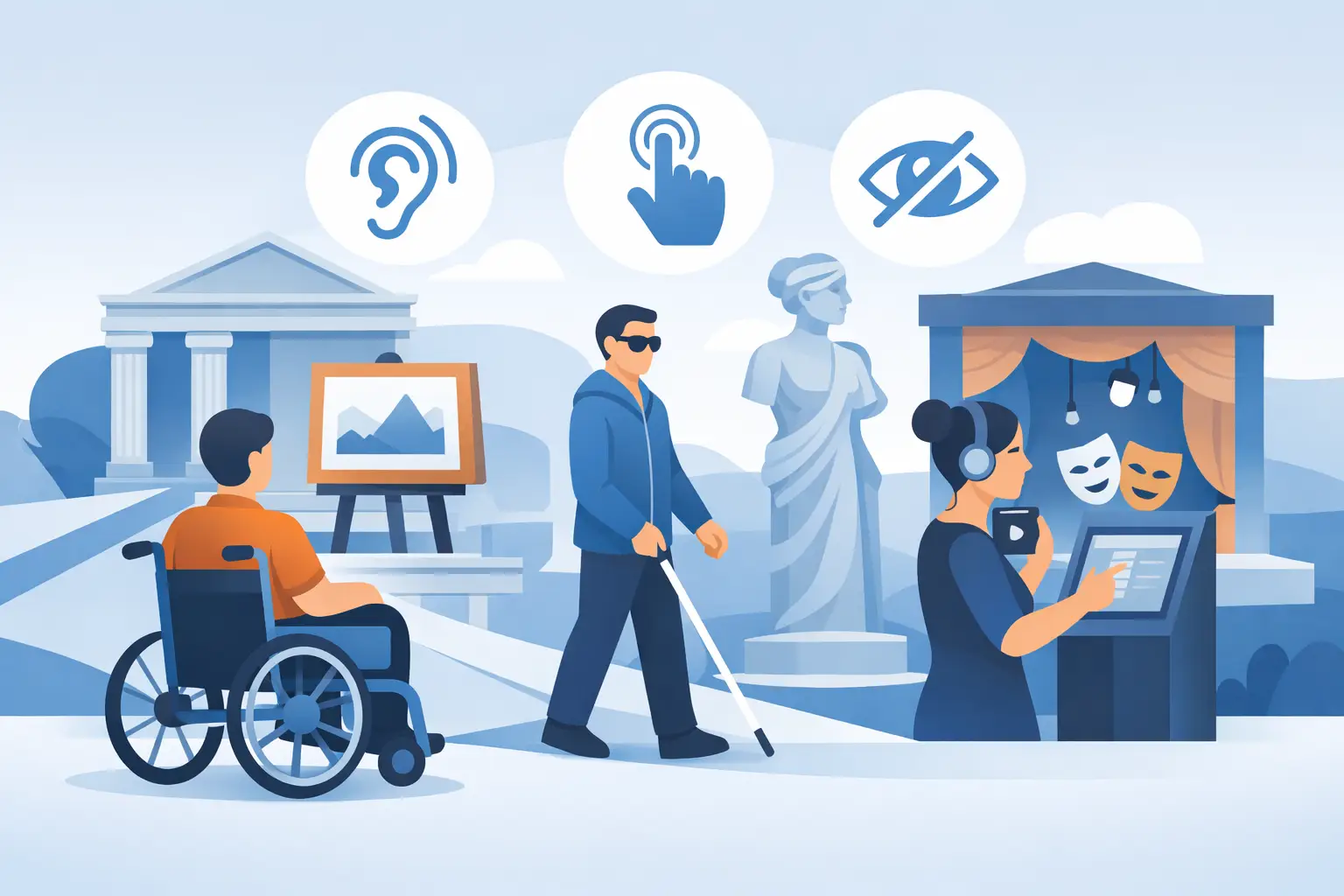
A visitor who cannot read a label that is too small, understand a video without subtitles or activate an audio guide due to lack of network is not living a cultural experience diminished by lack of interest. He comes up against a device that was not designed for him. Digital accessibility is therefore a concrete condition for the transmission of knowledge, the reception of all audiences and the quality of the visit.
For a museum, a heritage site or a tourist office, the subject is not limited to ticking off a regulatory requirement. It concerns the way in which a course is designed, written, produced, distributed and administered. Done well, this approach improves the experience of people with disabilities, but also that of families, international visitors, audiences who are not comfortable with digital technology or anyone visiting in imperfect conditions.
Digital accessibility, a mediation issue
Digital accessibility refers to the ability of a digital service to be used by as many people as possible, regardless of the sensory, motor or cognitive abilities of people, their equipment or their context of use. In the cultural sector, it applies to websites, ticket offices, terminals, audiovisual content and, of course, visitor routes on smartphones.
This definition invites us to go beyond a strictly technical vision. A correctly identified button is essential, but it is not enough if the instructions are complex, if the vocabulary is unnecessarily specialized or if an audio story does not provide any alternative for a deaf person. Accessibility is as much about the interface as it is about the editorial quality of the content.
It also constitutes a choice of public service and territorial coherence. Cultural places have the mission of preserving, interpreting and sharing heritage. Making a digital journey accessible means extending this mission to visitors who are too often placed on the fringes of digital experiences.
Why mobile journeys pose particular challenges
The visit rarely takes place in ideal conditions. The visitor is standing, moving around, sometimes holding a map or accompanying children. The light changes, ambient noise disrupts listening and network coverage may be poor, particularly in an ancient monument, in a rural area or outdoors.
In this context, a digital journey must limit unnecessary efforts. A busy interface, texts that are too long or a succession of authorizations to accept quickly transform the tool into an obstacle. Conversely, immediate access via QR code, predictable navigation and content available offline reduce the cognitive load for everyone.
The choice of personal smartphone provides appreciable flexibility: the visitor can use their own display settings, their screen reader, their headset or their technical aids. It also saves the cultural structure from having to manage a fleet of dedicated equipment. This approach does not, however, exempt you from designing a web app compatible with these uses. The telephone is a personal support, not a guarantee of accessibility by default.
Think beyond just visible disabilities
A visual impairment can make a plan or photograph difficult to interpret. A deaf or hard of hearing person will need subtitles, a transcription or a signed version depending on the content offered. Motor difficulties can complicate precise movements, while certain cognitive or attention disorders require simple cues, clear sentences and structured progression.
But situations are often temporary or contextual. A visitor without headphones in a noisy room, a person reading in a language they partially master, a parent with a stroller or a senior discovering the use of a QR code benefit from the same attention. Designing for the most demanding uses improves overall comfort.
Design an accessible path from the writing stage
Accessibility should not be added at the end, when the content is already recorded and posted online. It begins with the visit scenario. Each step must answer a simple question: what is the essential message, and by what different means can the visitor access it?
A audio content, for example, benefits from being accompanied by a complete transcription. This makes it possible to follow the story without sound, to find precise information and to facilitate translation or editorial adaptation. For an image, a useful alternative text does not just indicate its presence: it describes what contributes to the understanding of the subject. A reproduction of a painting, an architectural view or an archive document can thus remain accessible when they carry an important mediation element.
The writing deserves the same attention. Short sentences, explained vocabulary and one main idea per paragraph make it easier to read on a small screen. It is not a question of impoverishing scientific discourse. It involves prioritizing the information, then proposing reading levels when the subject requires it: a concise introduction to understand the essentials, and a supplement for visitors who wish to delve deeper.
Provide cues without cluttering the screen
In a cultural journey, navigation must be explicit. The visitor needs to know where they are, how to return to the previous step and what they can do next. Clear labels are better than ambiguous icons. Sufficient contrast between text and background, readable font size and sufficiently large click zones are decisive details in the field.
Visual sobriety is not an aesthetic constraint. It’s a way of preserving attention for the works, the landscape or the story. Automatic animations, pop-up windows and repeated requests can hinder the screen reader consultation as well as the visit itself. They should only be used when they provide real benefit to understanding.
Guideius addresses every digital cultural mediation challenge
Create a multilingual smartphone audio guide that is easy to deploy, accessible and tailored to your museum, heritage site or destination.
Functions to prioritize for useful digital accessibility
Establishments do not all have the same budget, the same collections or the same audiences. It is therefore preferable to prioritize functionalities according to the reality of the location rather than aiming for an accumulation of options. However, certain basics remain essential for any mobile journey: navigation that can be used on the keyboard and with a screen reader, suitable contrasts, resizable typography, transcribed audio content and subtitled videos.
Offline mode is just as decisive when a site has poorly covered areas. It guarantees access to content after downloading and prevents a connection break from interrupting the visit. Triggering by QR code or GPS must, for its part, offer an alternative solution when the camera, geolocation or mobile data are not available.
Languages also play a major role. Multilingualism does not replace accessibility adaptations, but it reduces another form of distance from content. In tourist areas, combining several languages with clear writing makes the route more welcoming for a diversity of visitors.
Guideius follows this logic by providing itineraries on smartphones designed to be simple to deploy, manageable by teams and adapted to the real constraints of cultural sites, including when connectivity is limited.
Organize a realistic approach for its establishment
Accessibility doesn’t always require a complete overhaul. A small structure can start by identifying the points that currently prevent use: lack of transcription, insufficient contrast, complicated form, impossible route without a network or content not compatible with a screen reader. This observation can be based on feedback from visitors, local associations and reception agents, who are aware of the difficulties encountered on site.
Then comes the time for prioritization. For an existing course, making initial access easier and adding transcripts can have an immediate effect. For a new project, integrating these needs into the specifications avoids costly corrections after production. The RGAA criteria offer a useful reference framework for the digital services concerned, but they do not replace the observation of real uses.
Tests with affected people are particularly valuable. They reveal what a technical check does not always show: a poorly understood instruction, unclear vocabulary, a difficult route to follow or essential information placed at the wrong time. These tests must take place early enough to allow adjustments, not just at the time of going online.
Finally, accessibility must be able to last. Content evolves, exhibitions change and teams are renewed. A simple-to-administer solution, consistent editorial models and a pre-publication control procedure make it possible to maintain the level of quality without creating a disproportionate burden.
Measure usage without reducing visitors to numbers
Usage statistics can help understand which routes are consulted, at which stages visitors leave the visit or which languages are most requested. They shed light on mediation and continuous improvement choices. Their collection must nevertheless remain proportionate, transparent and respectful of personal data.
The evaluation is not just about the number of scans or listenings. Qualitative feedback is just as important: did visitors find the start of the route? Were they able to follow the audio without difficulty? Do the reception teams know how to direct a person to the appropriate functionalities? An ethical approach consists of putting data at the service of experience, and not the other way around.
Making heritage accessible does not mean producing an identical journey for everyone. This consists of offering several entry points to the same story, so that each visitor can build their relationship with the place with autonomy and confidence.
Would you like to apply these ideas to your site?
Guideius helps deploy multilingual audio tours with QR codes, GPS, offline mode, multimedia content and privacy-friendly analytics.