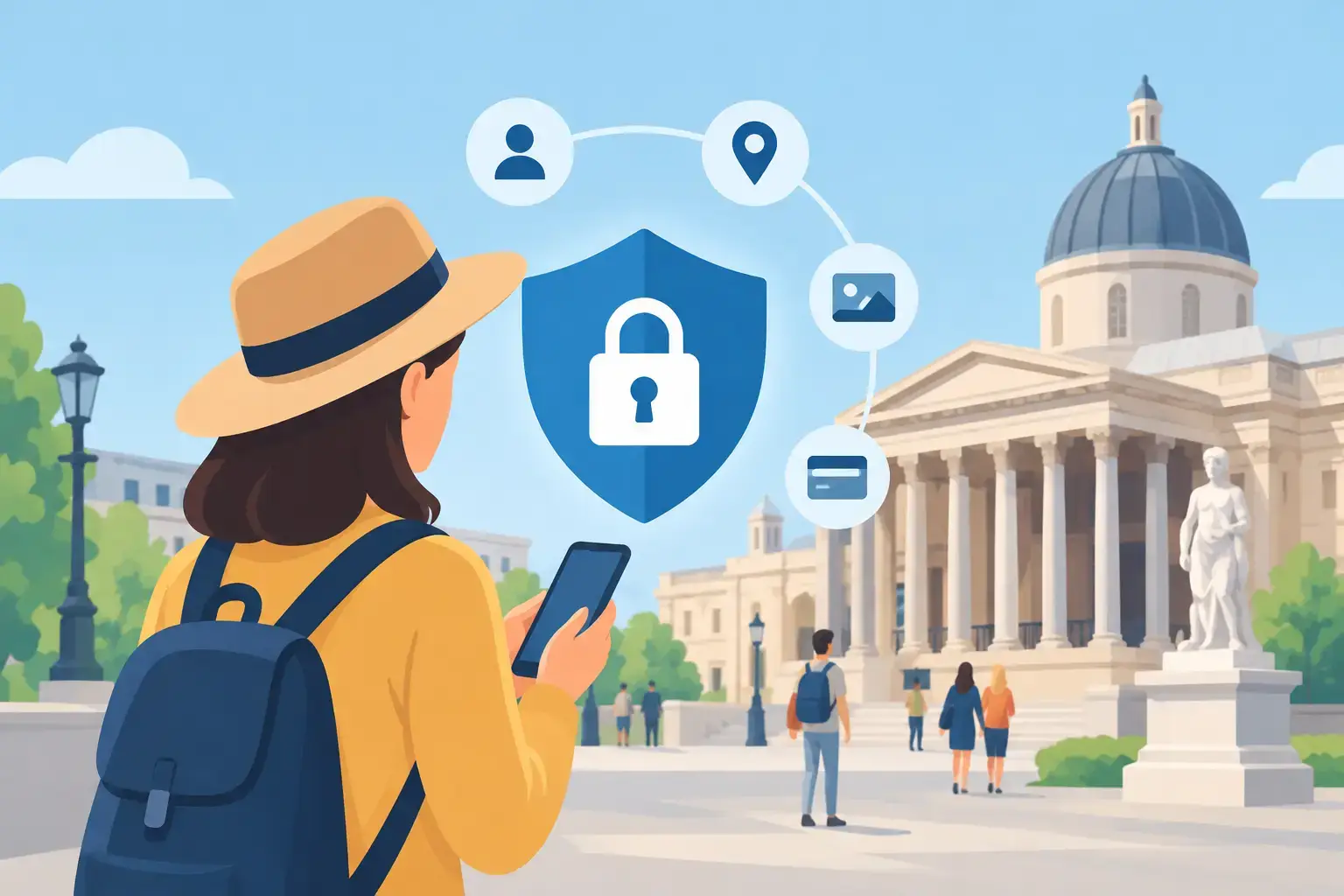
A QR code at a museum entrance, a GPS-guided walk through a historic town centre or a feedback form: every digital interaction can reveal something about a visitor. A privacy notice at the bottom of a page is not enough. Design the visit to collect as little as possible, explain what happens to the data and protect the information the site actually needs.
Visitors should not have to give up their location or email address as the hidden price of accessing cultural content. For museums, heritage sites, tourist offices and local authorities, choosing a system that staff can manage is also part of keeping that trust.
Why visitor data deserves particular care
An audio guide that works without an account can limit collection. Bookings, newsletters, contact forms, quizzes that record names and location-based features may all involve personal data. Even IP addresses, device identifiers, connection logs and browsing histories can help identify someone, especially when combined. Location data can reveal where someone has been and what their routine looks like.
Museums and heritage sites welcome school groups, families and people who may find digital services difficult to use. Protecting their information is part of making the visit welcoming and accessible, not just an IT concern.
Build in data protection from the start
Before enabling a feature, ask whether it needs the data in question. A QR code can open an audio tour without an account. Aggregate statistics may be enough to see which stops are popular and when people use the tour, without knowing who played each track.
Use location only when it makes a genuine difference, such as helping people find their way outdoors. Explain what it does and limit its use to that feature. A QR code or manual selection may be enough.
Define each purpose separately
Providing an audio guide, analysing usage, gathering feedback, sending newsletters and taking bookings are distinct purposes. Decide what data each one needs, how long to keep it and what to tell users. Someone who opens an audio guide has not automatically asked to receive marketing. Give people clear choices rather than relying on hard-to-spot boxes or vague wording.
Guideius addresses every digital cultural mediation challenge
Create a multilingual smartphone audio guide that is easy to deploy, accessible and tailored to your museum, heritage site or destination.
Put proportionate safeguards in place
Give staff individual accounts and only the access they need. Remove access when someone leaves. Use strong, unique passwords and enable two-factor authentication when available, especially for administrators. Keep staff devices locked, up to date and accessible only to authorised people, including when used at events or away from the site.
Encrypt communications between the visitor's phone and the service. Check where data are hosted, how backups are protected and how they can be restored. A small institution does not need the same infrastructure as a national museum. It needs documented safeguards and a system its team can manage.
Agree responsibilities with suppliers
Clarify who can see, change or export data. Ask suppliers what they process, where they host it, which subcontractors they use, how they protect the data and what help they provide after an incident. Agree how the data will be returned or deleted when the contract ends. Clear answers and usable support matter alongside the contract, particularly for small teams.
Explain data use at the right moment
Explain what you request, why, for how long and whom to contact about rights before or when you collect the data. “We use your location to show you nearby stops” is clearer than a legal formula by itself. The privacy policy can provide details, while the form or feature explains the decision in context.
Avoid asking children to identify themselves unnecessarily. If a school activity or competition needs personal information, involve those responsible for the activity and limit what you request.
Make a plan for incidents
A link can go to the wrong person, a device can go missing, a password can be compromised or a file can be exported by mistake. Write down whom to alert, what to record, how to restrict the affected access and when to consult the data protection officer or relevant authority. Some incidents may need to be reported.
Brief new starters, review accounts regularly and share practical instructions with suppliers, volunteers and seasonal staff.
Use data to improve the visit, not to follow people
Tour starts, average listening time, language choices, popular stops and completion rates can help teams improve a tour without following individual visitors afterwards. The details matter: a short form, a clear permission request, well-managed accounts and useful, non-intrusive statistics. That lets the smartphone do its main job: helping people discover the collection or place.
Would you like to apply these ideas to your site?
Guideius helps deploy multilingual audio tours with QR codes, GPS, offline mode, multimedia content and privacy-friendly analytics.