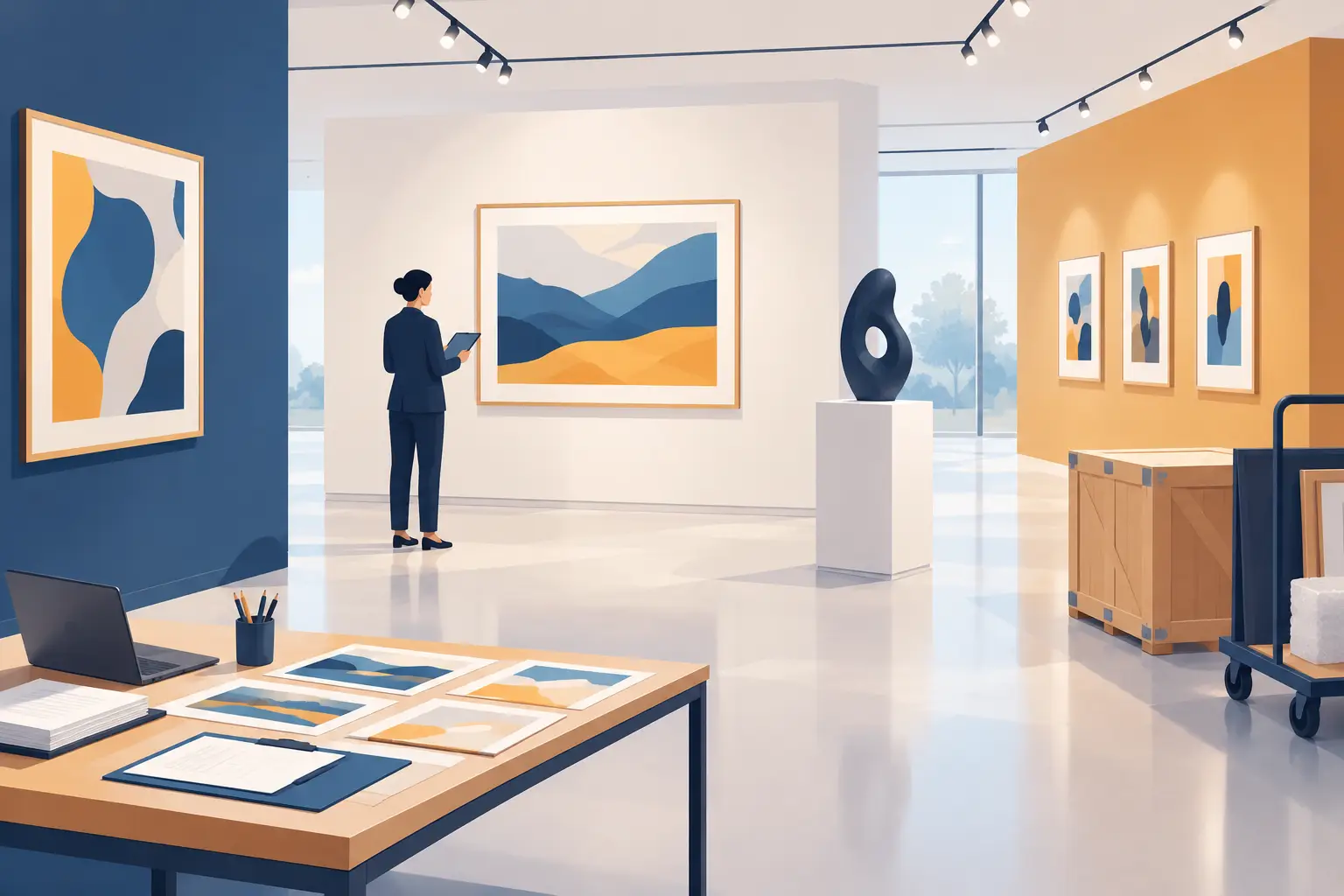
Much of a temporary exhibition's success is decided before its doors open. Selecting works, arranging loans, preparing gallery texts, labels and images, and planning digital interpretation all call for clear editorial choices. The aim is not to say as much as possible. It is to help each visitor understand what they are looking at, at their own pace, without losing the thread.
For cultural teams, this planning also affects how smoothly installation goes, how consistently different formats work together and how the exhibition develops throughout its run. A clear method helps share the workload, avoid repetition and create an accessible experience, even with limited staff.
Organise temporary exhibition content around a narrative
A temporary exhibition does more than bring objects together under a theme: it offers a point of view. Before writing a label or recording a short audio piece, define a simple editorial aim. What idea should visitors take away when they leave?
This does not need to summarise the project's full scholarly depth. It provides direction. An exhibition about a neighbourhood might tell the story of change through residents' voices rather than present an exhaustive chronology. That decision guides the documents selected, the order of sections, the writing style and the accounts to collect.
Build a journey that develops as visitors move through it. The entrance raises a question or offers a reference point. Later spaces connect works, archives and contemporary issues. The ending leaves something to take away: an idea to explore, a reason to look at the local area differently or content to share.
Provide different levels of detail
Visitors bring different amounts of time, knowledge and ways of exploring an exhibition. A good content plan therefore offers several levels of detail from the outset.
The first is orientation. It should quickly answer basic questions: where am I, what is this section about, and what should I look at first? Introductory texts, signage and section headings provide that guidance.
The second gives essential information about works and documents. Object labels are useful when they are readable and do not have to carry all the interpretation themselves. A third level can offer depth: historical context, a technique explained, expert insights, sound archives, collection stories or a closer look at a less prominent work.
This structure avoids two common problems: galleries overloaded with text, or a trail so allusive that visitors lack the context to understand it. Digital content has a useful role here, not as decoration but as an optional way to explore further.
Start with the works and audiences, not the tools
An interpretation tool cannot replace a clear editorial approach. Before adding an audio guide, videos, a quiz or interactive content, identify what the visitor journey needs. Some works call for a brief, sensitive explanation; others for a visual comparison, an archive recording or a translation. They do not all need the same treatment.
Give audiences the same consideration. Temporary exhibitions attract local residents, school groups, tourists, knowledgeable enthusiasts, people less familiar with cultural venues and international visitors. A complete trail for every profile is unrealistic. A clear, welcoming shared core with a few tailored additions is achievable.
For younger visitors, an observation question or short activity may work better than dense commentary. For those who do not speak French, translating essential content already improves the welcome. For people who find extended reading difficult, audio, plain language and straightforward navigation offer practical support.
This sometimes means setting formats aside. A screen may not fit a small gallery. A long video can create queues and draw attention away from the works. By contrast, an audio tour on visitors' smartphones, accessed by QR code or geolocation, can enrich the visit without cluttering the space or requiring a fleet of devices.
Guideius addresses every digital cultural mediation challenge
Create a multilingual smartphone audio guide that is easy to deploy, accessible and tailored to your museum, heritage site or destination.
Build a content planning matrix before production
Production quickly becomes expensive without a shared framework. A simple content planning matrix links each point of interest to an objective, format and responsible person. It provides an overview and helps curatorial, interpretation and communications teams agree priorities with providers.
For each work, space or section, record the main message, priority, audience, proposed format and available resources. Gaps soon become visible: a section without an introduction, an important object without a usable image, content needing scholarly review or a translation not yet planned.
Distinguish what must be ready at opening from what can develop later. A short piece about the project's origins should be finalised beforehand. Visitor accounts, an artist interview or additional resources can be added during the run. That flexibility is particularly useful for long-running or touring exhibitions.
Write for visitors, not for a research report
Public-facing content is not simply a shortened catalogue entry. It needs to be accurate, easy to listen to, understandable and suited to a visit. In front of an artwork, visitors divide their attention between text, space, other people and the object. Long sentences and unnecessary specialist vocabulary can interrupt their engagement.
Effective writing often starts with something concrete: a visible detail, a material, a gesture, a revealing date or a question. It then gives the context needed without trying to cover everything. Audio needs particular care. A well-shaped two-minute piece will generally have more impact than six minutes of uninterrupted commentary.
Let accessibility guide the writing. Spell out abbreviations, explain technical terms, avoid assumptions and provide meaningful descriptions of visual elements for those who need them. Inclusion is not a final-stage adjustment: it improves interpretation for everyone.
Plan for technical constraints from the outset
Temporary exhibitions face varying conditions: thick walls, outdoor spaces, poor reception, low light, occasional crowds and last-minute route changes. Digital content should be designed for those realities, not only for a demonstration on a computer.
Offline access matters when an unreliable mobile signal could prevent content from loading. QR codes should be visible without obscuring labels or disrupting the exhibition design. Keep media files small, especially when visitors use their own mobile data. Content management should let teams correct information, change the visiting order or remove unavailable content quickly.
Solutions such as Guideius support this approach by letting cultural organisations provide multimedia trails without dedicated devices, while keeping control of their content and editorial identity.
Test the visitor journey before opening
Opening day is not the time to discover inconsistencies. A real-world test with people outside the project almost always uncovers issues the team has missed: an ambiguous heading, an awkward QR code position, an overlong stop, a confusing sequence or unfamiliar vocabulary.
Invite varied participants: someone used to museums, someone less familiar with them, a visitor who does not speak French if translations are offered, and, where possible, people who will use the accessibility features. Turn their feedback into practical decisions rather than simply recording it in a report.
After opening, usage statistics complement on-site observation. They show which content is opened, where visitors leave the trail and which languages they use. They cannot capture every emotion or measure all understanding, but they help teams make informed adjustments.
A temporary exhibition is a living project. Methodical content planning gives teams the freedom to adapt the journey without losing its purpose, and visitors the opportunity to connect with the works in their own way.
Would you like to apply these ideas to your site?
Guideius helps deploy multilingual audio tours with QR codes, GPS, offline mode, multimedia content and privacy-friendly analytics.