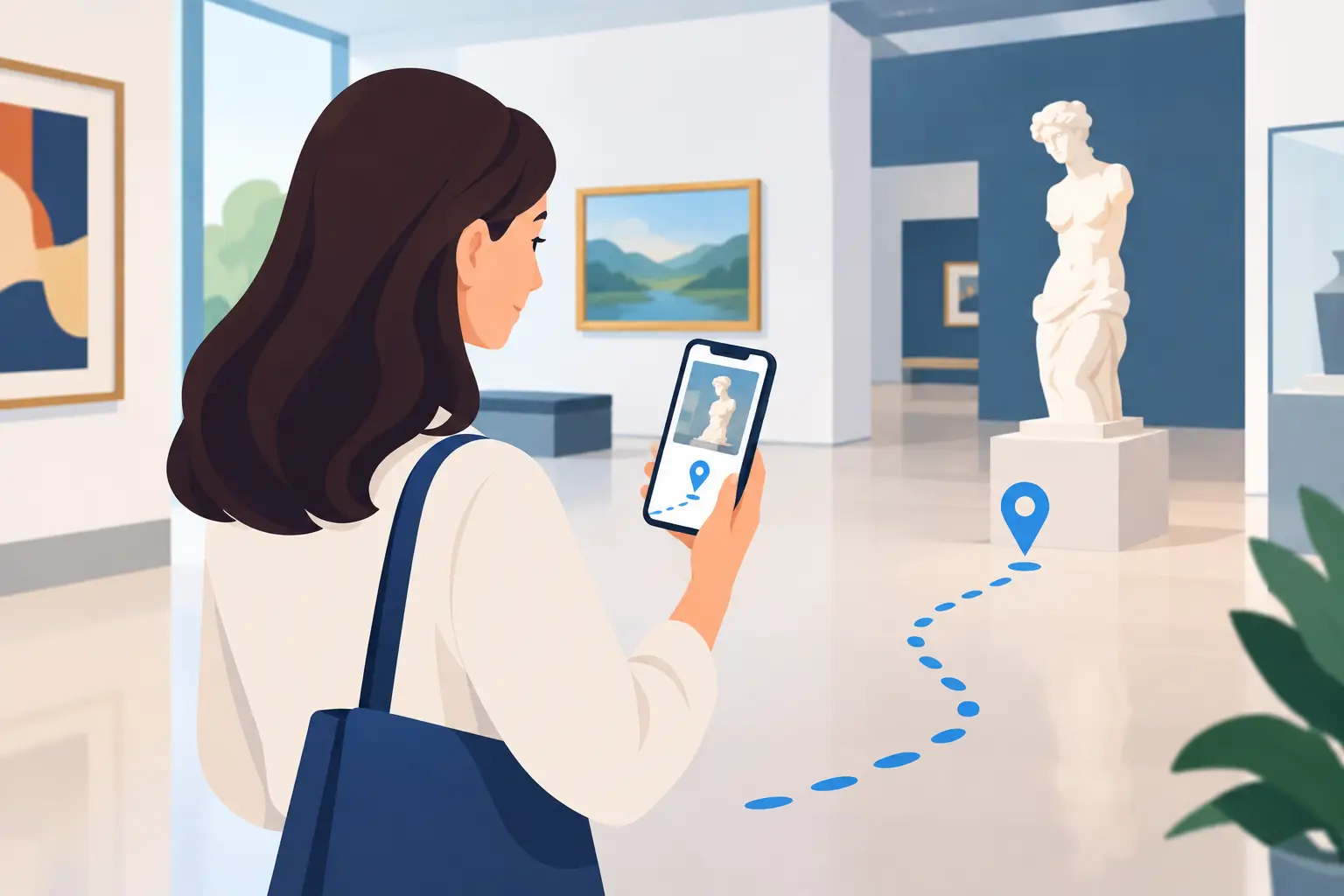
A visitor scans a QR code at the entrance, launches their journey on their own phone and advances at their own pace. For the team, no distribution of boxes, no helmets to disinfect, no equipment to recharge. The evaluation of an autonomous visit solution begins here: not with a list of functionalities, but with the ability of the tool to really improve mediation while remaining usable on a daily basis.
In a museum, a monument, an interpretation center or a tourist office, the best tool is not necessarily the most complex. It is the one that adapts to the public, the visiting conditions and the resources of the structure. Mediation technology must serve stories, collections and territories, without burdening the teams' work.
Start from uses before comparing tools
An autonomous tour solution can take different forms: web app accessible by QR code, application to download, geolocated route, multimedia audio guide or hybrid device. These formats do not all respond to the same context.
A modest-sized museum, whose visitors have limited time, will often seek immediate entry without downloading. A heritage trail spread across a city center will need reliable GPS, content that can be consulted outside and careful management of the phone's battery life. A site with high international traffic must prioritize the clarity of the languages offered and the quality of the translations.
Before any demonstration, it is useful to describe a real route. How many steps does it have? Do visitors have to choose between several durations? Are there areas without a mobile network? Is the route permanent, seasonal or regularly renewed? These answers avoid choosing a platform that performs well on paper, but is unsuitable for the reality on the ground.
Autonomy does not mean abandoning the visitor. On the contrary, it requires well-designed landmarks: clear signage, instructions that can be understood in a few seconds, a coherent tour guide and content whose rhythm leaves room for observation. The digital tool must accompany discovery, not capture all the attention.
Evaluation of an autonomous visit solution: the decisive criteria
A simple experience from the first minute
The first friction is often the most costly. If the visitor has to create an account, enter a lot of data or install a heavy application before listening to the first content, some of the public will give up. For many cultural places, direct access via QR code constitutes a good compromise between fluidity and sobriety.
However, this route must be tested in real conditions. Is the QR code visible and large enough? Does the page load quickly on different smartphones? Does the visitor spontaneously understand how to start the audio, go to the next step or change language? A test with a few people outside the team quickly reveals the blocking points that we no longer see internally.
Simplicity also concerns administration. Updating a schedule, correcting a typo or adding temporary content should not require the intervention of a service provider. An interface designed for non-technical teams gives the site the ability to bring its routes to life through exhibitions, seasons and local partnerships.
Content adapted to the location, not just the medium
Audio remains particularly relevant for self-guided tours: it frees the gaze and can create a more intimate relationship with a work, a landscape or an architectural detail. But its quality lies as much in the writing as in the recording. A text designed to be read is not necessarily pleasant to listen to while standing, in a busy room or on the side of a street.
The evaluation must therefore focus on the editorial possibilities of the solution. Can it combine sound, image, text, video or archive documents when this adds something? Does it make it possible to offer several reading levels, for example a family tour, a short version and an in-depth visit? Are the quizzes or interactions useful to the story, or simply added to occupy the screen?
The right measure depends on the cultural project. A journey through a memory site will perhaps require more sobriety and silence. An urban discovery for families can, conversely, benefit from observation challenges and fun content. The tool must allow this editorial freedom.
Accessibility as a design requirement
Accessibility should not appear as an option added at the end of the project. It concerns the diversity of visiting situations: visual or hearing impairment, reading difficulties, fatigue, language barrier, use of a small screen or noisy environment.
A serious solution must provide transcriptions, subtitles for video media, readable contrasts, navigation compatible with assistance uses and easy-to-understand content. The possibility of adjusting the size of texts or offering versions in sign language can be decisive depending on the audiences welcomed and the establishment's project.
Editorial accessibility matters just as much. Short sentences, precise vocabulary, a clear structure and an appropriate audio rate make the content more welcoming to everyone. This quality benefits visitors with disabilities as well as families, school audiences and non-French-speaking visitors.
Reliability designed for field constraints
In heritage, network coverage is never a detail. Thick walls, basements, rural sites, extensive gardens or mountain areas can make the connection unstable. A visit that stops after a few minutes weakens confidence in the system, even if the content is excellent.
It is therefore necessary to check the availability of an offline mode, its activation conditions and its concrete functioning. Can the contents be downloaded easily before departure? Is the visitor informed of this possibility at the right time? Does the tool retain its visit markers without connection? An on-site test, in different locations and with several phone models, is essential.
Triggering deserves the same attention. GPS is valuable for outdoor routes, but can be inaccurate on narrow streets or near tall buildings. The QR code provides very reliable control over the consultation location, but requires well-established signage. In many cases, combining the two approaches provides a more flexible experience.
Guideius addresses every digital cultural mediation challenge
Create a multilingual smartphone audio guide that is easy to deploy, accessible and tailored to your museum, heritage site or destination.
Review costs over the life of the project
Comparing only the introductory price can lead to underestimating the real cost of a device. The absence of dedicated hardware reduces purchasing, maintenance, storage, cleaning and replacement expenses. This is a concrete advantage for structures whose teams are already mobilized by reception, conservation or animation.
But we also need to question pricing over time. Is maintenance included? How much does it cost to add a language, a course or new stages? Are security updates and technical developments planned? Content creation, translations, voice recording and signage must also be budgeted, as they strongly determine perceived quality.
A scalable solution is often more relevant than an oversized project. Starting with a solid path, measuring uses, then enriching the offer allows the investment to be better distributed. This logic is particularly suitable for small and medium-sized structures, which need concrete results without tying up disproportionate resources.
Check data governance and the quality of support
The usage statistics can help understand the use of a route: languages chosen, content listened to, most viewed stages, average duration or connection hours. This data must inform editorial and operational decisions, without transforming the cultural visit into a surveillance device.
When assessing, clearly ask what data is collected, where it is hosted, who accesses it and how long it is retained. Collection limited to what is necessary, anonymized statistics and transparent information for visitors are consistent with the responsibilities of public and cultural actors.
Support from the service provider is also part of the solution. A cultural team does not always have the time or the skills to structure a digital journey alone. Help with getting started, editorial advice, responsiveness of support and the ability to develop the project are as important as the interface. Solutions like Guideius are designed to give teams this autonomy, without asking them to become digital specialists.
Test before deciding
A demonstration is useful, but it does not replace a situated test. Ask to test the route on your own spaces, with your network conditions, your planned signage and some representative content. Involve a reception agent, a mediator, a communications person and, if possible, visitors with varied profiles.
To guide the exchange with an editor, five questions are often enough: can the visitor get started without assistance? Does the course work in difficult areas? Can the team modify the content itself? Do the accessibility options meet real needs? Are costs and data transparently explained?
The right choice is not judged by the quantity of icons in an interface. It is recognized at the moment when a visitor listens, understands and continues their discovery without wondering how the technology works, while the team maintains control of their journey and its history.
Would you like to apply these ideas to your site?
Guideius helps deploy multilingual audio tours with QR codes, GPS, offline mode, multimedia content and privacy-friendly analytics.