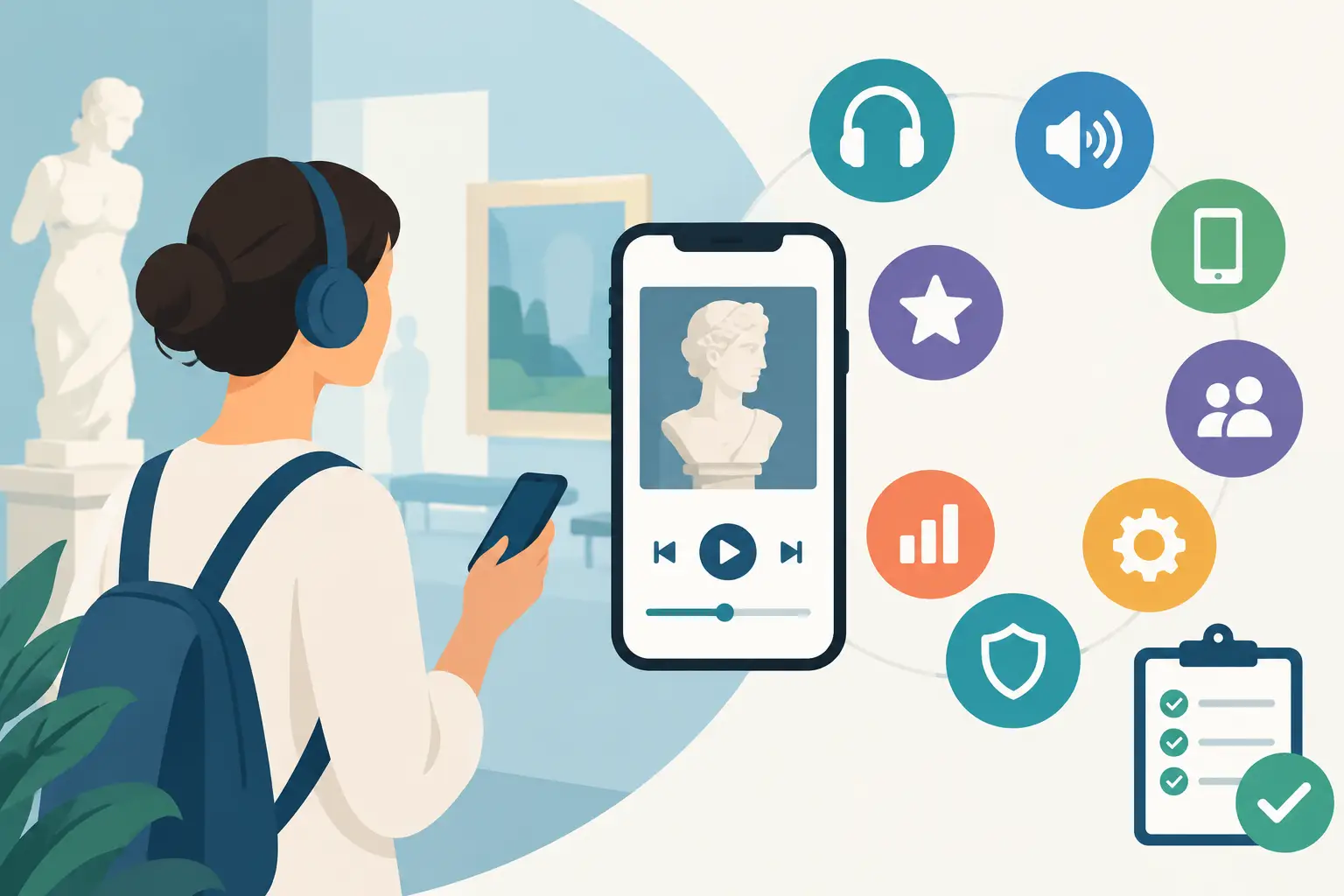
A digital audio guide is not just a succession of sound tracks on a screen. It becomes a concrete part of the visit, of the story offered and of the welcome reserved for very different audiences. The evaluation of audio tour software must therefore go beyond a comparison of functionalities: it must verify its ability to serve a place, its teams and its visitors, in real field conditions.
For a museum, a heritage site or a tourist office, the right tool is one that makes mediation more accessible without burdening the daily organization. Here are eight criteria for methodically evaluating a solution, keeping in mind the budget, connectivity and human resources constraints specific to cultural structures.
1. Start from the actual uses of the route
Before comparing the software, it is necessary to specify what the visit should allow. A free tour in an ancient center, a chronological visit to a museum, a family discovery or a heritage hiking route do not call for the same experience.
Ask simple questions: do visitors choose their own steps? Should the course operate outdoors, in buildings with thick walls or in spaces without a network? Will the contents be consulted on site only or also before and after the visit? These answers make it possible to rule out solutions designed for uses far removed from your reality.
The evaluation should not be limited to the commercial demonstration. Ask to test a route comparable to yours, with a current telephone, in the least favorable areas of the site. This is where we measure the quality of use.
2. Check the simplicity on the visitor side
A successful audio tour begins without a lengthy explanation. The visitor must quickly understand how to access the route, listen to content, move on to the next step and find their position. Every unnecessary manipulation can become an obstacle, especially for people unfamiliar with digital tools or for groups.
Access by QR code often meets this need: it avoids the compulsory downloading of an application and reduces waiting time at reception. But it is not enough on its own. On an outdoor course, GPS triggering can provide real fluidity. In a dense location or indoors, it is also necessary to be able to offer navigation by list, by map or by visual cues.
A good solution leaves the visitor independent without leaving him alone. It clearly indicates the duration, language, progression and available content. It also allows you to pause, resume listening and consult content without losing track of the visit.
3. Evaluate offline operation and connectivity
The promise of digital is quickly weakened by an unstable connection. However, many cultural sites are located in rural areas, old buildings, cellars, gardens or spaces where the mobile network is uncertain. A solution that relies entirely on a continuous connection exposes visitors to frustrating interruptions.
Offline mode must therefore be examined precisely. How are contents downloaded? When? Can the visitor retrieve them easily using the reception Wi-Fi before starting? Do maps, images and audio files remain available when offline?
This criterion also involves the reception team. If the download requires multiple steps or systematic assistance, the burden shifts to the agents. A sober experience is one that anticipates these situations without multiplying instructions or emergency devices.
4. Measure editorial quality, not just audio delivery
The software must put technology at the service of mediation. It is useful to evaluate the possibilities for narrative construction: division of stages, addition of archive images, insertion of videos, additional content, quizzes or branches depending on the audience. These functions are only relevant when they truly enrich the interpretation of the place.
Sound quality matters just as much. The platform must reproduce voices clearly, even with personal headphones of varying quality. It must also make it possible to organize short, concise content adapted to the context of the visit. In a room full of objects or facing a landscape, audio should invite you to look, not monopolize your attention.
Ask who can create and edit content. A cultural team must be able to correct a date, add a translation or update seasonal information without systematically depending on a technical service provider. This autonomy is decisive for keeping a journey alive over time.
Guideius addresses every digital cultural mediation challenge
Create a multilingual smartphone audio guide that is easy to deploy, accessible and tailored to your museum, heritage site or destination.
5. Place accessibility at the center of the evaluation
Accessibility cannot be treated as an option added at the end of the project. It concerns people with disabilities, but also families, non-speaking visitors, school audiences and all those who do not have the same relationship with digital technology, reading or listening.
When evaluating audio tour software, look for transcriptions, subtitles for video media, text size adjustments, readable contrasts, and navigation compatible with assistive technologies. Also check the possibility of offering sign language, audio description or plain language versions depending on the needs of the site.
Languages deserve special attention. Adding a translation is not always enough: the interface, instructions, visuals and navigation logic must remain understandable in each version. A coherent multilingual solution contributes directly to the hospitality of the place.
6. Examine daily administration
A platform can be attractive in presentation and become difficult to manage after a few months. The administration must be designed for the teams who bring the site to life: mediators, audience managers, communications managers, reception staff or association volunteers.
Estimate the time needed to create a step, import an audio file, modify text, change the order of a route or post an update. A clear interface limits errors and prevents digital skills from remaining concentrated in the hands of a single person.
Also ask about the support offered. Handling, help with editorial creation, maintenance and assistance in the event of an incident are part of the solution. For a small structure, an attractive price loses its interest if each adjustment becomes complex or costly.
7. Monitor useful data and statistics
The usage statistics can inform very concrete decisions: which steps are most listened to, at what point visitors interrupt the journey, which languages are chosen or what length of visit is observed. This data helps to improve content, adjust signage and better understand visitor practices.
The indicators still need to be readable and proportionate. An abundance of dashboards is no substitute for some truly actionable information. It is preferable to have simple data that can be consulted by the team and respects privacy.
The question of data ownership and hosting must be asked from the start. Public and parapublic structures need clear guarantees on the collection, storage and use of information. Ethical digital mediation protects visitors as much as it serves knowledge of uses.
8. Compare the overall cost rather than the price of entry
The price of software is not limited to either a subscription or the initial creation of the course. It is necessary to integrate maintenance, updates, assistance, translations, content development and, where applicable, graphic customization. The use of visitors' smartphones can significantly reduce the costs associated with purchasing, cleaning, recharging and replacing dedicated equipment.
The most relevant formula depends on the project. A scalable solution is often suitable for a structure that wishes to start with a course and then gradually develop its offer. A white label may be justified when a community or large facility is looking for a fully integrated digital identity. The main thing is to have a clear pricing framework, without unforeseen costs when the journey needs to evolve.
Test before choosing
A serious evaluation involves the people who will actually use the tool. Have a reception agent, a mediator, someone uncomfortable with a smartphone, a foreign visitor and, if possible, people concerned by accessibility issues test the route. Their feedback will often reveal points invisible during a demonstration.
Guideius is part of this approach: offering cultural teams audio mediation that can be administered without technical expertise, accessible on visitors' smartphones and designed for realities on the ground. But whatever service provider you choose, the best choice will be the one that respects your cultural project before promoting the technology.
Audio tour software deserves to be chosen as a transmission tool. When it facilitates the work of teams, respects visitors and makes heritage more available to everyone, it does not replace human mediation: it gives it greater scope.
Would you like to apply these ideas to your site?
Guideius helps deploy multilingual audio tours with QR codes, GPS, offline mode, multimedia content and privacy-friendly analytics.