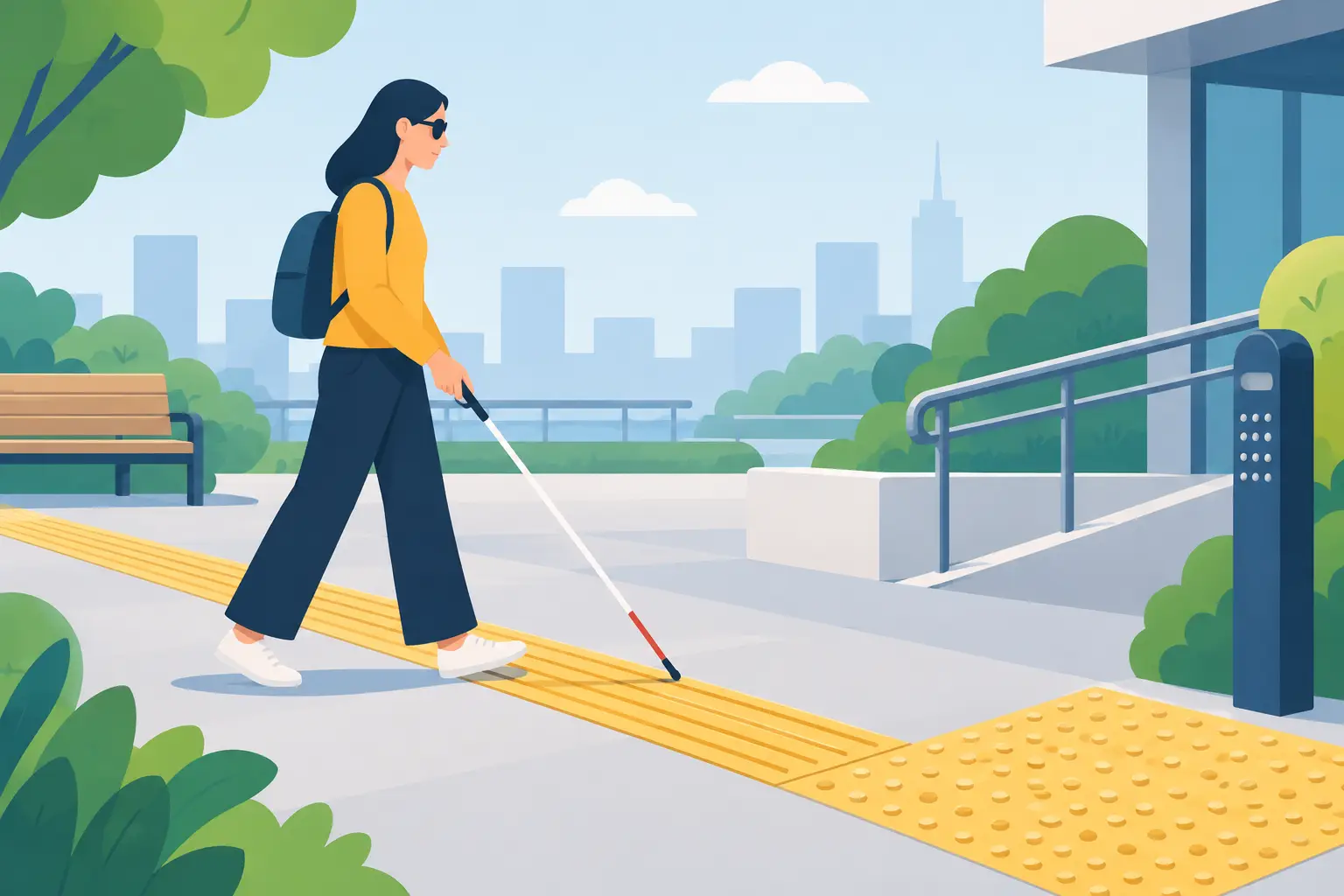
An object label placed too high, confusing echoes in a gallery, stairs with no visual contrast or an artwork described in a few vague words can disrupt a visit before the heritage story even begins. Designing routes for blind and partially sighted visitors means considering the whole experience: arrival, orientation, safety, understanding the works and the pleasure of exploring independently.
For a museum, monument, tourist office or outdoor trail, accessibility is not an audio track added at the end of a project. It should be a measure of interpretation quality, alongside scholarly accuracy, a clear route and a welcoming experience for international visitors. This approach also benefits people who are older, tired, unfamiliar with the venue or simply prefer listening to reading.
Start with visitors’ needs, not just equipment
Visual impairment takes many forms. Someone blind from birth, a person with low vision, someone with central vision loss and someone sensitive to glare may encounter different barriers. A useful solution therefore begins with a simple question: what should visitors be able to do independently at each stage of the visit?
Think of the visit as a chain of connected steps. Visitors need to find the entrance and reception, open the first piece of content, move to the next stop, understand what is in front of them and ask for help if needed. A fully accessible app cannot make up for unclear outdoor signage. Equally, an access ramp or tactile route cannot replace interpretation that brings objects to life through words.
Involve blind and partially sighted people, local associations or specialist professionals early on. A site visit can reveal practical obstacles: noisy areas, uneven floors, glass doors, nowhere to rest, insufficient contrast or vague directions. This avoids designing around assumptions and making costly changes late in the project.
Design a route for blind and partially sighted visitors
A good route does not try to cover everything. It selects genuinely accessible stops and follows a clear progression. In a museum, this might mean ten works rather than thirty, with detailed descriptions and reliable directions between galleries. At an outdoor heritage site, a short, accessible loop with clear route information is often preferable, with a longer option where ground conditions allow.
Give precise directions at the right moment
Directions need to be concrete. “Go to the next room” is not enough. “As you leave the room, turn right and follow the wall for about five metres to the wide doorway” gives usable information. Such guidance still needs care: distances, furniture and visitor flows may vary.
The right level of detail depends on the venue. In a small museum with a stable layout, detailed directions can support independence. On a busy street, in a park or at a crowded monument, rely on lasting landmarks, describe changes in the surface underfoot and recommend assistance where the route presents a risk. Supporting independence must never mean downplaying safety constraints.
Audio cues can help if they do not add unnecessary noise. A brief message played at the right location, an easily identified reception point or an appropriately installed audio beacon is more useful than repeated alerts. Keeping the interface and audio simple helps all visitors concentrate.
Describe to support understanding and imagination
Audio description does more than list visual details: it guides attention. For a painting, it may begin with the format, overall composition, areas of light and main figures before moving to significant details. For a sculpture, it can describe dimensions, materials, form, position in the space and, where permitted, opportunities for tactile exploration.
Distinguish observation from interpretation. “A figure stands in the centre, taller than the others” is an observation. “The figure seems to dominate the scene” is an interpretation that can enrich the account, but should be presented as such. This precision builds visitors’ trust in the content.
Terms for colour, perspective and gesture have a place when explained and linked to a sensation, function or context. The aim is not to simplify artistic vocabulary unnecessarily, but to make it understandable without relying on sight alone. Good writing opens up the artist’s choices, the object’s history and the work’s effect within the space.
Guideius addresses every digital cultural mediation challenge
Create a multilingual smartphone audio guide that is easy to deploy, accessible and tailored to your museum, heritage site or destination.
Make audio an effective interpretation tool
Audio is particularly useful here, but editorial quality matters. A calm voice, a measured pace and short sections make on-site listening easier. In noisy areas, visitors should be able to pause, go back and listen with their own headphones. Downloading the route in advance is valuable where mobile reception is weak or unavailable.
Each track should have a clear purpose: to give directions, describe, tell a story, provide context or invite interaction. Combining these aims in one long message makes information harder to remember. A short instruction can give directions, followed by richer content once the visitor reaches the artwork or point of interest.
Pay particular attention to how content is opened. QR codes are affordable and easy to install, but visitors must be able to locate them and frame them with a camera. GPS suits urban and outdoor routes, although accuracy varies by location. In some settings, numbered markers whose numbers visitors enter into the app are more reliable. The choice depends on the building, visitor numbers, mobile coverage and the level of independence expected.
Provide an interface people can actually use
The digital route must work with screen readers, contrast settings and enlarged text. Buttons need clear labels: “Listen to the description of the façade” is better than “Read” or an unlabelled icon. Keyboard and gesture navigation should follow a logical order, without decorative elements unnecessarily interrupting spoken output.
For people with low vision, readability means more than larger text. Adequate contrast, a clear typeface, generous touch targets and a simple visual hierarchy are equally important. Never convey essential information through colour alone. A stop marked green on a map should also have a number, label or symbol.
Multimedia content remains useful when accessible alternatives are provided. An image can have a meaningful description, a video can include audio description and a transcript, and a map can have a structured text alternative. Match the detail to its purpose: a short alternative for navigation, a fuller description when the image contributes to the cultural story.
Test on site before rolling out more widely
Accessibility cannot be verified at a desk alone. Testing with several blind and partially sighted visitors reveals issues teams may miss: a message played too early, a hard-to-find door, an overly abstract description or background noise that drowns out the voice.
Observe how people use the route without stepping in immediately. Where do they hesitate? What information do they look for? When do they ask for confirmation? A discussion afterwards helps distinguish usability issues from physical layout or writing problems. Document the feedback and use it in an ongoing improvement cycle, rather than collecting it simply to fulfil a requirement.
A few straightforward indicators help guide this work: plays per stop, visitors leaving the route early, repeated listens, requests for help at reception and qualitative feedback. These data cannot replace conversation, but they help organisations prioritise changes within their resources.
Keep accessibility manageable for staff and visitors
For small and medium-sized cultural organisations, the challenge is often practical. Creating an accessible route should not lead to technical dependency or complex maintenance. A solution staff can manage themselves lets them correct an instruction, add a description, update a seasonal route or offer another language without putting the project on hold for months.
Guideius supports this approach by providing audio content on visitors’ smartphones, with QR-code or GPS activation, offline access and management designed for on-site teams. The tool does not replace accessibility planning: it provides a straightforward framework for putting that work into practice, testing it and improving it over time.
An adapted route becomes truly welcoming when it offers more than a fallback option. It provides reliable guidance, thoughtful interpretation of the works and the freedom to form a personal connection with heritage.
Would you like to apply these ideas to your site?
Guideius helps deploy multilingual audio tours with QR codes, GPS, offline mode, multimedia content and privacy-friendly analytics.