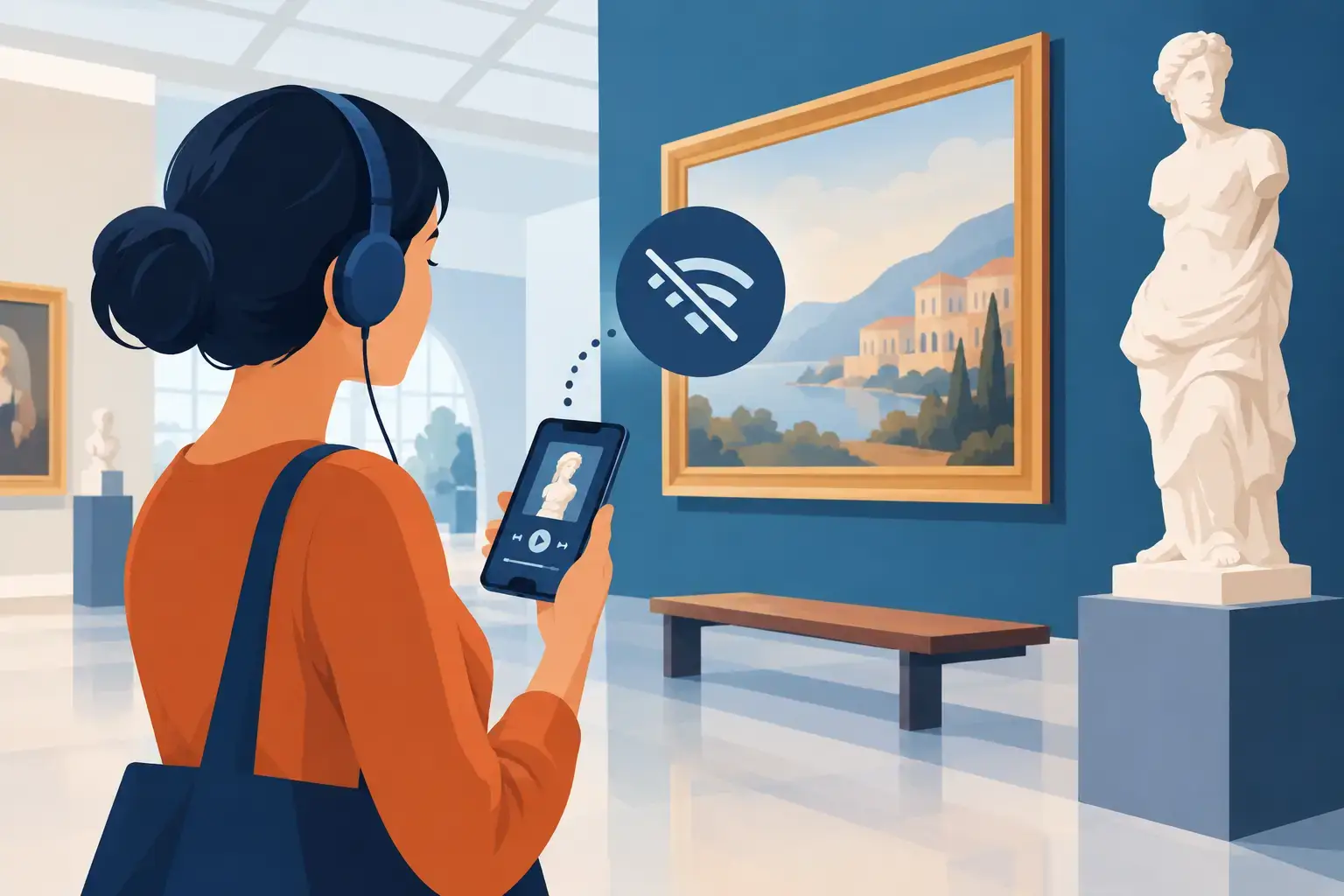
In a vaulted room, an old village or on a heritage trail, mobile reception is never guaranteed. But visitors expect to scan a code, start listening and learn about the place straight away. An offline audio tour makes that possible even where the signal is weak.
For a museum, historic site or tourist information office, this is more than a technical detail. It keeps the tour accessible, dependable and available to more people. Thick walls, a rural location or a busy day should not stop visitors from hearing the audio commentary.
How offline audio changes the visitor experience
Digital tools let visitors access more languages, audio, archive images, videos, quizzes and themed trails on their own phones. But a tour that needs a steady connection at every stop can easily break down.
With offline audio, visitors can download what they need before or at the start of the tour. Once the files are on their phones, they can listen in areas with no signal, from basements and historic buildings to remote nature trails.
After downloading the tour, visitors need not wait for each track to load, look for Wi-Fi or use more mobile data to listen. They can focus on the place, its history and the stories that bring it to life.
The difference is especially noticeable on busy days, when many phones share the same public network. A downloaded tour still runs smoothly even if that network slows down.
Why offline audio suits heritage sites
Thick castle walls can block mobile reception. A trail commemorating local history might cross several rural communities. And a museum in a listed building may not be able to run cables or add Wi-Fi access points within its budget or the building’s restrictions.
Requiring a permanent connection shifts the problem onto visitors. Some have plenty of mobile data; others do not. Some know how to switch between Wi-Fi and mobile data; others give up when the first screen fails to load. As a result, not everyone gets the same chance to use the tour.
Offline mode complements the network. A connection at the entrance can help visitors download the tour, check practical information or update the app. After that, the tour should work without a connection, especially on routes that span several kilometres or cross areas with patchy reception.
A practical way to limit infrastructure costs
Providing Wi-Fi across a large estate or a complex monument can be expensive. Hardware, maintenance and network security all cost money, and installation may require work that is incompatible with protecting the building.
Offline audio reduces that dependence on infrastructure. You still need to help visitors get started, but you can put more of the budget into better content, accessibility and making the tour easy to find.
How to design an audio tour that works offline
Plan offline access from the start. It is not enough to make files downloadable: think about how visitors will download them, how large the files are and how visitors can open the right content at each stop.
Make the download easy to find and explain it at reception, on a sign or next to the QR code. Give a clear instruction: download the tour now to listen along the route without a signal. Wi-Fi at the starting point can help, provided it is easy to join.
Balance the variety of content against download size. Well-produced audio and a few useful images can do more than a large bundle of media. An archive photograph, a map or a detail from an exhibit can help tell the story. Videos at every stop can slow the download, take up storage and draw attention away from the place itself.
Choose how visitors open each stop. A QR code beside an exhibit or at the entrance to a gallery is easy to spot, inexpensive and reliable. Outdoors, GPS can open content near a point of interest. It depends on satellite reception and the surroundings, so provide a clear way to select a stop manually in narrow streets, under dense trees or beside tall buildings.
Offline Mode
Let visitors download content before their visit so they are not dependent on the network on site.
Accessibility should not depend on mobile reception
Inclusive interpretation takes account of different languages, disabilities, levels of digital confidence and devices. Offline access removes a less visible barrier: visitors do not need a signal or mobile data for every stop.
International visitors, school groups, families and people less familiar with digital tools all benefit when a tour works as promised. Offering more languages only helps if the selected track is available straight away. Providing transcripts, subtitles for video, clear navigation and readable formats also makes the tour easier to use.
Accessibility also means letting visitors set their own pace. They can put their phone in their pocket, replay a passage or pause and resume the tour. Keeping the content available offline makes these simple actions easier.
Fewer connection questions for staff
Visitor services and interpretation teams often hear the same questions: “Why won’t the audio play?”, “What’s the Wi-Fi password?” and “Is this using my mobile data?” Clear instructions for offline listening leave staff more time to talk to visitors about the place itself.
Letting visitors use their own phones and headphones can also reduce the work of issuing, cleaning, charging, counting and replacing dedicated audio guides. It is not the right model for everyone: some visitors will still need a loan device or an assisted alternative. For many venues, though, it takes work out of day-to-day operations.
Usage data can still help improve the tour. If the platform supports it, the number of starts, most-played stops, language choices and completion rates can sync when the device reconnects. For public bodies and heritage organisations, the aim should be to gather useful, proportionate information and be transparent about it, without turning the tour into a way to monitor visitors.
What to check when choosing an offline audio guide
When comparing digital audio guides, ask exactly what works without a connection. Check the audio, images and maps, as well as language selection, automatic playback triggers, resuming a track and moving between stops.
Check how easy it is for staff to manage the tour. They should be able to edit a text, correct a translation, add a stop and review usage without specialist technical skills. A suitable platform fits the venue and the resources it has.
That is the approach Guideius takes with smartphone audio tours that combine QR codes, GPS, multilingual content and offline listening. The aim is to make interpretation easier to use, maintain and deploy.
A good tour is not defined by the length of its feature list. It is the moment a visitor stands in front of an exhibit, a landscape or an ancient stone, presses play and immediately hears the story of the place.
Would you like to apply these ideas to your site?
Guideius helps deploy multilingual audio tours with QR codes, GPS, offline mode, multimedia content and privacy-friendly analytics.